Trezor Suite Overview
Trezor Suite is the official, open-source interface for all Trezor hardware wallets. It serves as your command center for managing digital assets, firmware updates, and security settings.
Key Features
- Asset Management: Manage thousands of coins and tokens with a streamlined dashboard.
- Direct Transactions: Buy, sell, exchange, and spend crypto directly within the interface.
- Firmware Updates: Seamlessly update your Trezor device firmware to ensure you have the latest security patches.
- Privacy Options: Built-in Tor support for anonymous transactions.
- Portfolio Tracking: Real-time tracking of your net worth across multiple accounts.
Device Compatibility
| Device | Connection | Suite Support |
|---|---|---|
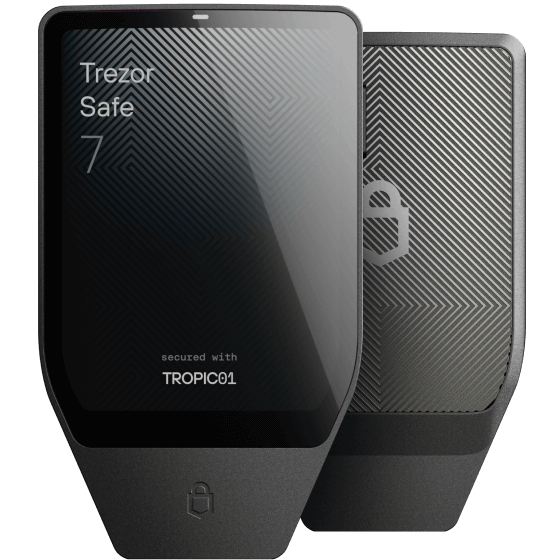
| Trezor Safe 7 | USB & Bluetooth | Full |
| Trezor Safe 5 / 3 | USB | Full |
| Trezor Model T / One | USB | Full |
Security Tips
- Always keep your device firmware updated.
- Use a passphrase for an extra layer of security on your wallet.
- Never share your 12-24 word recovery phrase with anyone, online or offline.
- Use the desktop app for better security than the web version.