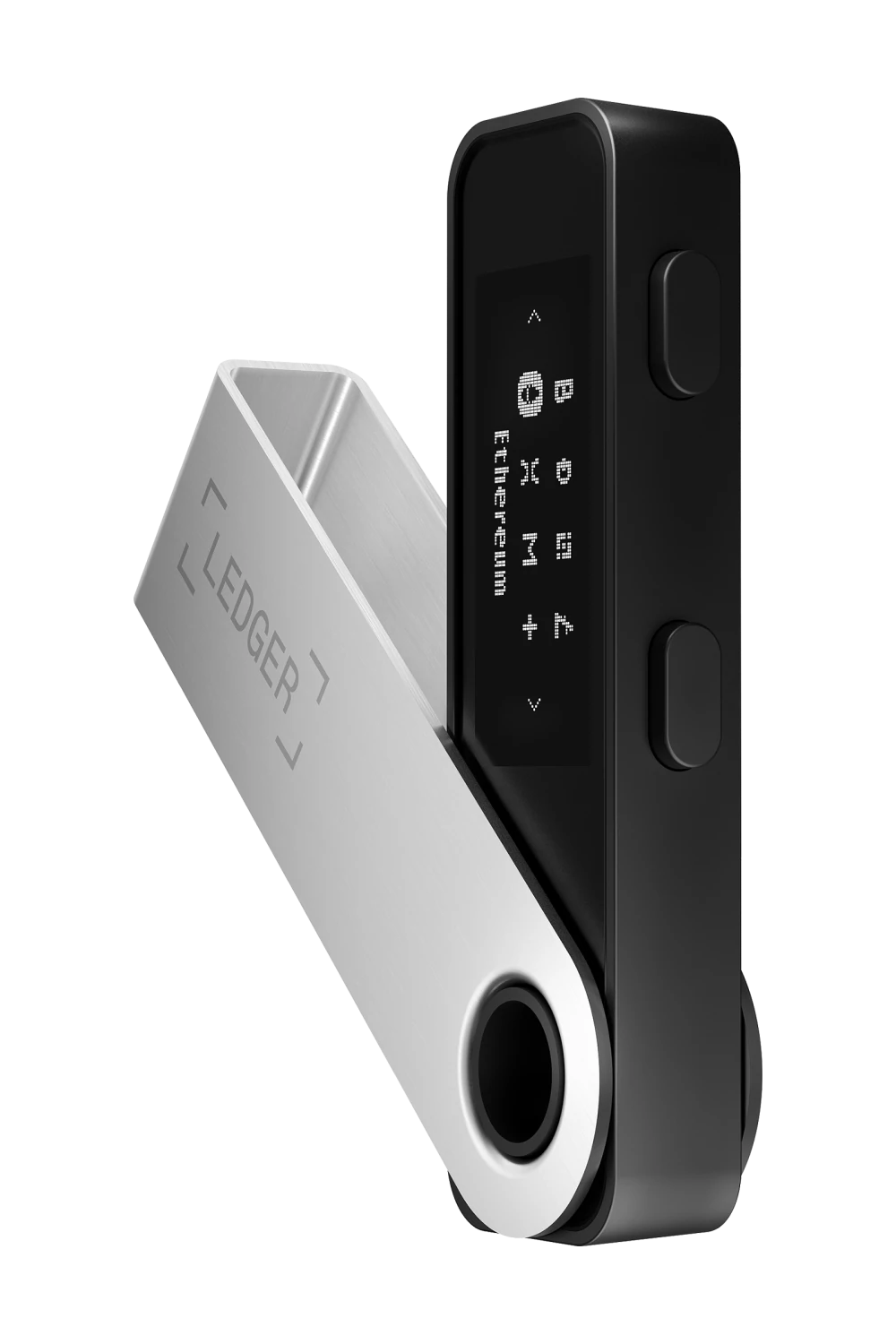
Ledger Nano S Plus
The Ledger Nano S Plus is an entry-level hardware wallet from Ledger. It offers a larger screen and more memory compared to the original Nano S, supporting thousands of crypto assets and DeFi apps.
What you should know about Ledger Nano S Plus
- High Capacity & Compatibility: Supports over 5,500 digital assets and allows up to 100 apps to be installed simultaneously, a significant upgrade over the original Nano S.
- Premium Security: Features a CC EAL5+ certified secure element chip to keep your private keys offline and protected from digital hacks.
- Ledger Live Integration: Manage your portfolio, stake assets for rewards, and swap tokens directly within the secure Ledger ecosystem.
- Wired-Only Design: Unlike the Nano X, it lacks Bluetooth and a battery, requiring a USB-C connection to a computer or Android device for use.
Pros & Cons
Strengths
- + Larger screen than original Nano S
- + High storage capacity for up to 100 apps
- + CC EAL6+ certified secure element
- + Very affordable compared to premium models
- + Supports over 15,000 assets
Weaknesses
- - No Bluetooth connectivity
- - Not compatible with iOS devices
- - Top-button design can be somewhat awkward to use
- - Proprietary operating system (BOLOS)
Facts about the Ledger Nano S Plus
Why buy the Ledger Nano S Plus
The Ledger Nano S Plus remains a reliable and cost-effective entry point into self-custody hardware wallets, offering the same EAL5+ certified security as flagship models. It features a 128x64 display and USB-C connectivity, making it a robust desktop-focused choice.
As of mid-2026, Ledger has expanded its lineup significantly with newer devices like the Ledger Stax, Ledger Flex, and the Ledger Nano Gen5, which offer enhanced screens and form factors. However, the Nano S Plus remains a cornerstone 'classic' for users prioritizing straightforward, battle-tested security.
Ledger Nano S Plus FAQ
How does the Secure Element chip in the Ledger Nano S Plus isolate private keys compared to general-purpose microcontrollers?
The Ledger Nano S Plus employs a CC EAL5+ certified Secure Element chip, similar to those used in passports and credit cards. Unlike general-purpose microcontrollers, this dedicated chip is engineered specifically to withstand advanced physical and logical attacks, such as fault injection, side-channel analysis, and power glitching. It completely isolates the cryptographic secrets from the internet-connected host device, ensuring that private keys are never exposed even if the connected computer is compromised by malware.
What are the memory limitations of the Nano S Plus, and how does uninstalling and reinstalling apps affect the associated cryptocurrency accounts?
The Nano S Plus offers up to 1.5MB of storage, which typically accommodates up to 100 simultaneous app installations depending on app size. This is a significant upgrade from the original Nano S. If a user needs to manage more assets than the storage allows, they can safely uninstall apps to free up space. Uninstalling an app does not delete or affect the underlying cryptocurrency accounts or funds on the blockchain. Reinstalling the specific app via Ledger Live will immediately restore full access to those assets, as the private keys remain securely derived from the device's seed phrase.
Can the Ledger Nano S Plus interact directly with decentralized finance (DeFi) protocols and smart contracts, or does it require third-party software bridging?
The device can interact directly with various DeFi protocols and Web3 decentralized applications through the Ledger Live application without needing third-party bridges. However, for protocols not natively supported within Ledger Live, the Nano S Plus seamlessly integrates with popular Web3 wallets like MetaMask, Phantom, and Rabby. When used in this configuration, the third-party wallet serves solely as a visual interface, while the hardware wallet maintains custody of the private keys and requires physical confirmation on the device's screen for every transaction signing.
How does the device handle firmware updates, and what cryptographic mechanisms ensure that malicious firmware cannot be installed?
Firmware updates for the Nano S Plus are managed exclusively through the Ledger Live application. Before any update is installed, the device's operating system (BOLOS) verifies the cryptographic signature of the new firmware payload against Ledger's root of trust. Because the Secure Element chip validates this signature internally, it is mathematically impossible to flash compromised or unauthorized custom firmware onto the device. Furthermore, the update process requires physical confirmation via the device buttons, preventing silent, background installations.
What happens if the Ledger Nano S Plus is lost or destroyed, and what is the exact technical process for restoring the stored assets on a new device?
The device itself acts only as a secure key manager; the actual cryptocurrency assets reside on their respective blockchains. If the hardware wallet is lost or destroyed, the user's funds are completely safe as long as the 24-word recovery phrase (BIP39 seed) generated during initial setup is secure. To restore access, the user simply initializes a new Ledger device, or any compatible BIP39 hardware wallet, and inputs the 24-word recovery phrase. The new device will algorithmically derive the master private key and all subsequent account addresses, granting immediate access to the existing funds.