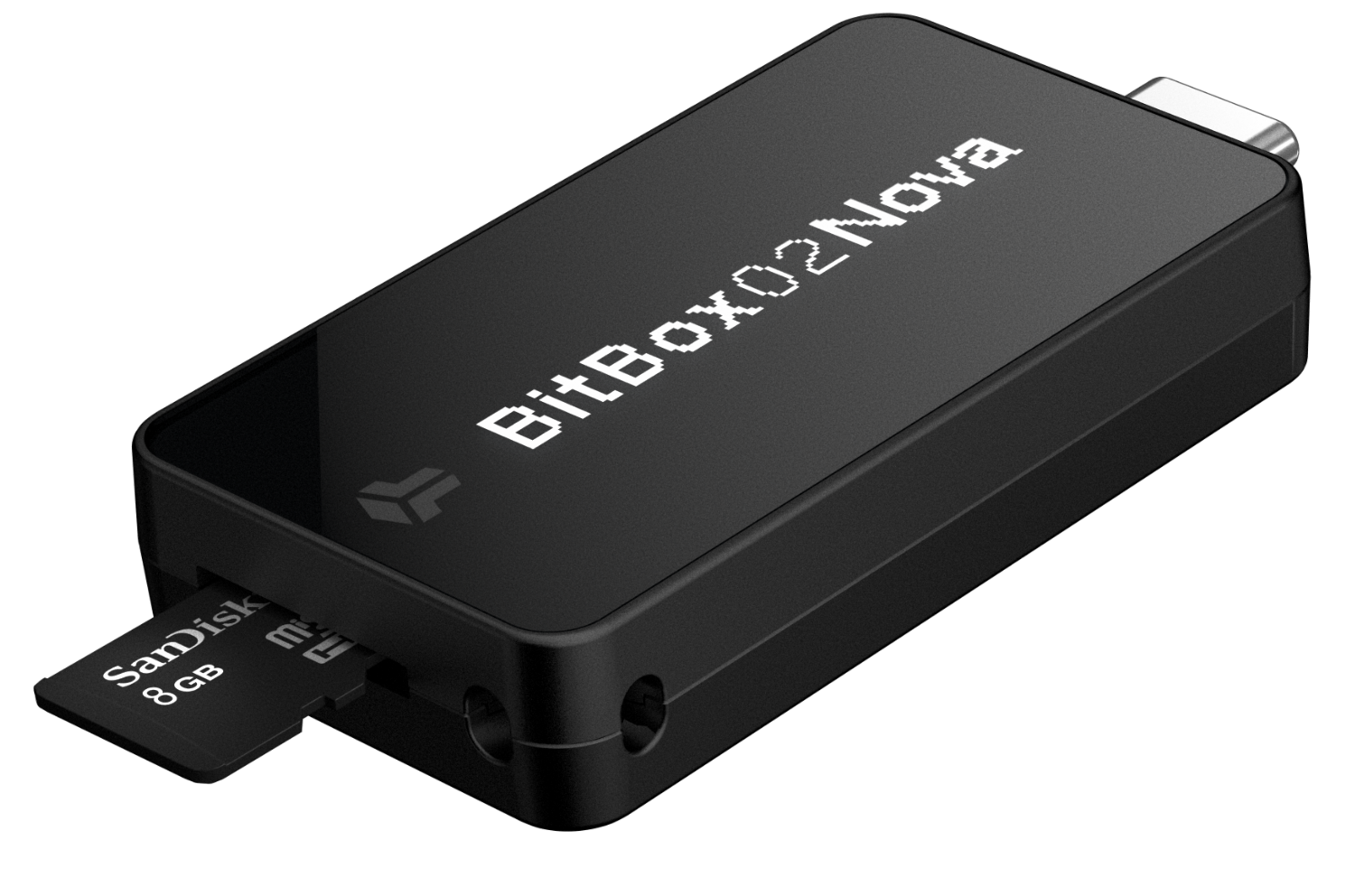
Next-Gen Swiss Security: Features a dual-chip design with an EAL6+ certified secure chip and fully open-source firmware for maximum transparency and safety.
iOS & Bluetooth Support: Unlike previous models, the Nova supports iPhone and iPad via Bluetooth, alongside native USB-C compatibility for Windows, Mac, Linux, and Android.
Simplified Backup: Uses a microSD card for instant setup and recovery, removing the mandatory need to write down 24-word seeds (though optional).
Premium Build: Upgraded with a scratch-resistant Gorilla Glass OLED display and available in new colors like Polar White and Midnight Black.
Prerequisites
BitBox02 Nova hardware wallet
Computer with USB-C port (or adapter)
Latest BitBoxApp downloaded from bitbox.swiss
A secure, private environment
Step-by-Step Guide
Connect Device: Plug your BitBox02 into your computer using the provided cable.
Launch App: Open the BitBoxApp on your computer.
Initialization: Follow the on-screen prompts to initialize the device. You will be asked to name your BitBox02.
Backup: Follow instructions to create your backup. Unlike traditional wallets, the BitBox02 uses a microSD card for backup, providing both security and ease of use.
Verification: Verify the backup is working correctly by following the app prompts.
Start Using: Your wallet is now set up. You can now receive, send, and manage your Bitcoin.
Common Pitfalls
Losing the microSD card: Always keep your microSD card backup in a secure, separate location.
Ignoring Updates: Keep your BitBoxApp and device firmware updated to ensure the latest security patches.
Malware: Never download the BitBoxApp from third-party sources. Only use bitbox.swiss.